
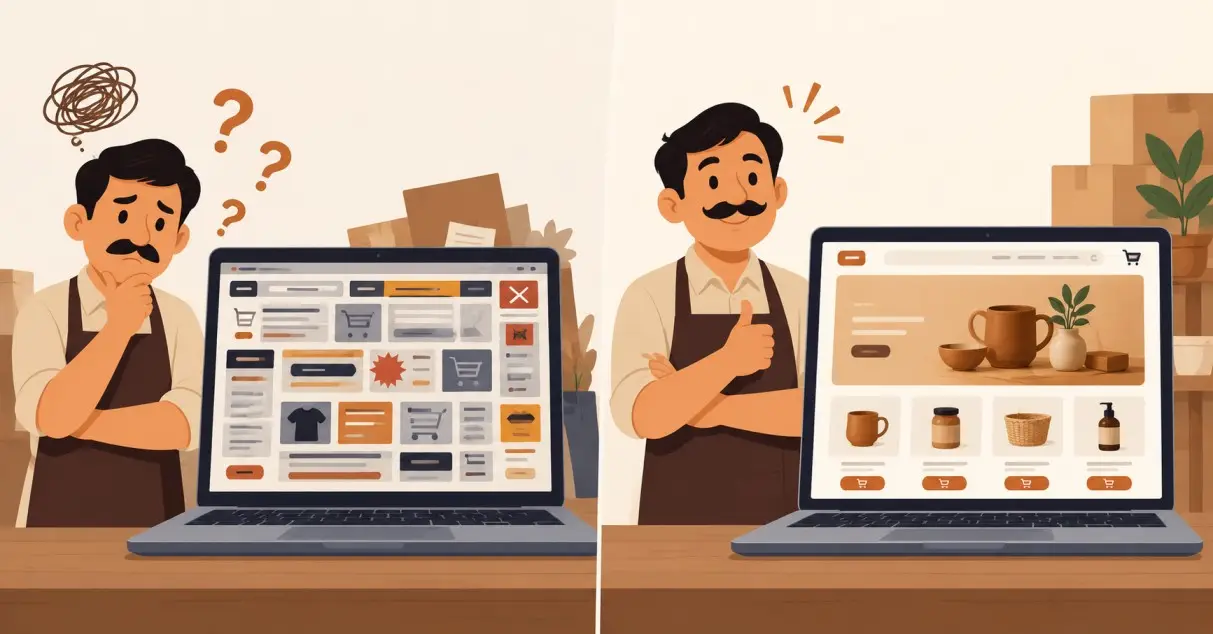
If you are a small business owner in Mumbai, you have probably looked at a competitor’s website and thought, “They have a much bigger business than me.” Sometimes that is true. But very often, the difference is not the size of the business. It is the way the business is presented online.
A professional ecommerce website can make a small brand look established, trustworthy, and easy to buy from. A confusing website can make a good business look unreliable. If you want to build ecommerce website infrastructure that actually helps you sell, you do not need a massive development budget. You need the right platform, a clean mobile experience, reliable payments, clear product information, and a checkout process that does not create unnecessary friction.
For businesses in Mumbai and across India, developing ecommerce website functionality also means thinking about UPI, COD, GST invoices, shipping, WhatsApp enquiries, and mobile users from the beginning. Here is how to approach it practically.
Why Your Competitor’s Website Looks Bigger Than Your Business
A website creates an instant impression. When someone lands on a competitor’s store and sees sharp product photos, simple navigation, clear pricing, multiple payment options, delivery information, and an easy checkout, the business immediately feels more credible.
That does not necessarily mean the competitor has a larger team or a larger customer base. They may simply have invested more intelligently in their website. Your goal should not be to copy their design or spend ₹5 lakh trying to look like a large corporation. Your goal is to remove the reasons a customer might hesitate to buy from you.
When you build ecommerce website infrastructure, focus on the buying experience rather than decoration. A customer should understand what you sell within seconds, find the right product quickly, see the final price clearly, choose a payment method comfortably, and know what happens after placing the order.
Choose the Right Platform Before Developing Your Ecommerce Website
The first major decision in developing an ecommerce website functionality is choosing the platform. For most small businesses, building everything from scratch is unnecessary. You will spend more money maintaining features that established ecommerce platforms already provide.
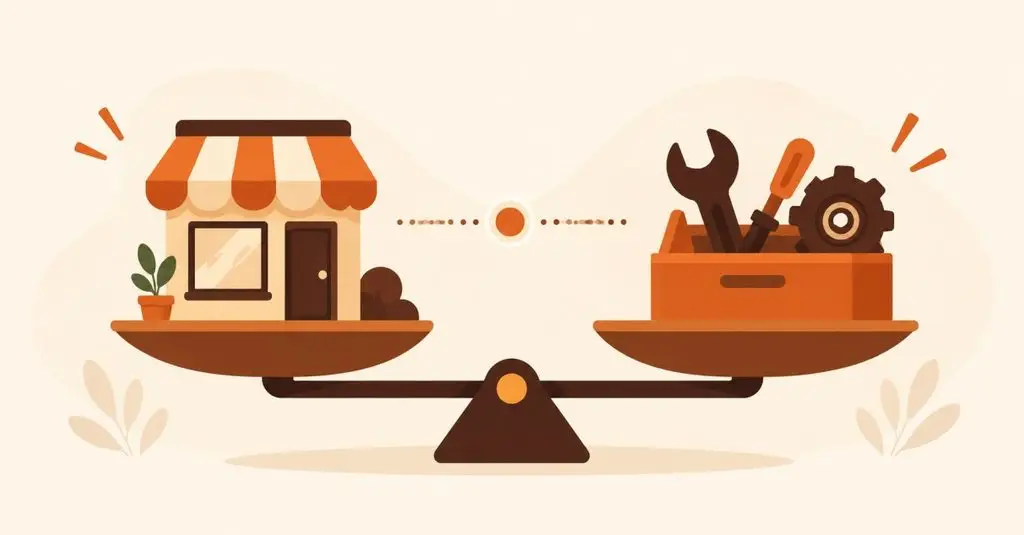
Shopify vs WooCommerce for Indian Small Businesses
| Factor | Shopify | WooCommerce |
| Setup | Faster and simpler | Requires more configuration |
| Hosting | Included | You arrange hosting |
| Customisation | Good | Very high |
| Technical maintenance | Lower | Higher |
| Best for | Owners wanting simplicity | Businesses wanting control |
| Razorpay integration | Available | Available |
Shopify is usually the easier choice if you want to launch quickly without dealing with hosting, updates, and technical maintenance. WooCommerce can make more sense if you already use WordPress or need greater control over the website.
Do not choose a platform simply because your competitor uses it. Choose based on your products, budget, technical ability, and how much control you actually need.
Make Mobile-First Design Non-Negotiable
Your website should be designed for a phone first, not a desktop screen squeezed onto a phone. This matters especially for Indian ecommerce because customers frequently discover products through Instagram, WhatsApp, Google, and other mobile channels.
Open your website on your own phone and try to purchase something. Can you read the product name without zooming? Are the images clear? Is the Add to Cart button obvious? Does the checkout form feel unnecessarily long? Can someone select UPI without hunting through several screens?
These are not minor design details. They directly affect whether someone completes an order.
Keep your mobile navigation simple. Use large product images, readable text, sticky purchase buttons where appropriate, compressed images for faster loading, and as few checkout fields as possible. A beautiful desktop website that is frustrating on mobile is still a poor ecommerce website.
Set Up Razorpay and UPI Properly
Payment setup should be planned before your website goes live. Razorpay supports UPI, cards, net banking and other payment methods, and provides ecommerce integrations for platforms including Shopify and WooCommerce.
For a typical Indian store, UPI should be highly visible during checkout. Razorpay’s current documentation also notes that the UPI Collect flow has been deprecated for most use cases from February 28, 2026, with businesses expected to use options such as UPI Intent or UPI QR where applicable.
When you set up your payment gateway, complete the required business verification and KYC before launch. Razorpay states that merchants need to sign up and submit KYC documentation to get the account verified and receive settlements.
Do not wait until launch day to test payments. Place test orders, check successful and failed transactions, verify payment confirmations, and make sure the order appears correctly inside your ecommerce dashboard.
Offer COD, But Do Not Treat Every COD Order Equally
Cash on Delivery can still be useful for Indian ecommerce, particularly when you are selling to customers who are not comfortable paying online for a new brand. Razorpay currently supports COD as a checkout option alongside online payment methods.
But COD has a downside: customers can place orders without paying upfront and then refuse delivery. For a small business, repeated failed deliveries can eat into your margins quickly.
Set sensible COD rules. You could restrict COD for certain high-value products, remote delivery locations, unusually large orders, or customers with repeated cancellations. You can also confirm suspicious COD orders through WhatsApp or a phone call before shipping.
The objective is not to remove COD. It is to offer it without allowing avoidable delivery losses to become normal.
Get GST Invoicing Basics Right
Your ecommerce website should collect the information needed for proper order records and invoicing. If you are GST-registered, your invoices and tax treatment need to be handled correctly for your business and products.
At minimum, make sure your system can capture the customer’s billing and shipping details, product information, quantity, price, applicable tax information, discounts, shipping charges, and invoice details required for your business.
Do not blindly copy another website’s GST setup. GST treatment can depend on what you sell, where you sell it, your registration status, and the nature of the transaction. If you are unsure, have a CA verify the setup before taking regular orders.
Your website developer should implement the system, but your tax professional should confirm the tax logic.
Your Product Pages Matter More Than Fancy Homepage Effects
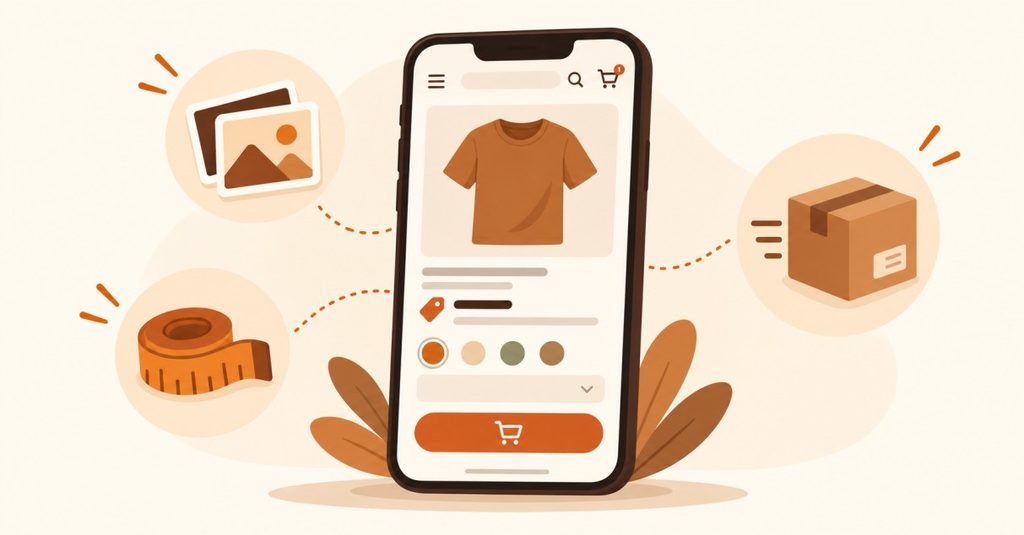
A small ecommerce brand does not need an animated homepage to look professional. It needs product pages that answer customer questions.
Every important product page should clearly explain what the customer is buying, how much it costs, what they receive, available sizes or variants, expected delivery information, return or replacement rules, and how to contact you if something goes wrong.
Use high-quality photographs from multiple angles. If the product has dimensions, materials, ingredients, compatibility information, or care instructions, include them. Customers should not have to message you for basic information that could have been placed on the product page.
This is one of the easiest ways to make a small store feel much more established.
Add Trust Signals Before Asking Customers to Pay
People are not only buying your product. They are taking a risk on your business.
Show your business name, contact information, WhatsApp number or support channel, shipping policy, return/refund policy, privacy policy, and terms where appropriate. If you have genuine customer reviews, display them near relevant products.
Do not manufacture reviews. Fake testimonials might make a website look impressive for five minutes, but they can destroy trust when customers notice inconsistencies.
A simple website with genuine information is more convincing than an expensive-looking website full of exaggerated claims.
Keep the Checkout Short and Clear
The checkout should feel like the final step, not another form-filling exercise. Ask only for information you genuinely need to process and deliver the order.
Show the product, quantity, subtotal, shipping cost, applicable taxes, discounts, and final payable amount clearly before payment. Give customers their preferred payment options without making them navigate through unnecessary screens.
After payment, show a clear order confirmation and send the customer useful order information. The customer should immediately know that the order was received and what happens next.
That small moment after payment is important. It reduces anxiety and makes the business feel organised.
What It Really Costs to Build Ecommerce Website Infrastructure
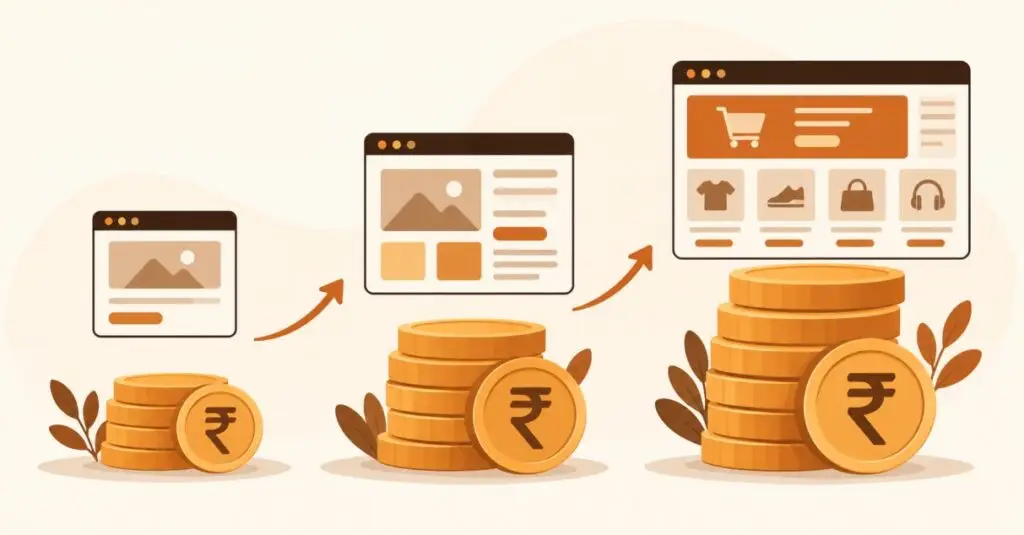
There is no single correct price for an ecommerce website. A simple store using Shopify or WooCommerce can cost dramatically less than a custom ecommerce system with advanced integrations, custom checkout logic, inventory automation, ERP connections, and bespoke functionality.
For a small Mumbai business, start with the minimum system required to sell properly. Spend money where customers notice the difference: product photography, mobile UX, checkout, payment integration, website speed, copy, and reliable order management.
Do not spend heavily on features you do not yet need. Your first website should help you sell and learn. Once sales volume justifies additional functionality, you can add automation and custom development.
A Practical Launch Checklist
Before launching your developing ecommerce website project, test the complete customer journey yourself.
- Check the website on multiple mobile devices.
- Test every important product and variant.
- Test UPI and card payments.
- Test COD rules.
- Check shipping charges and delivery zones.
- Generate and verify an invoice.
- Test confirmation emails or WhatsApp notifications.
- Check return and refund information.
- Remove placeholder text and broken links.
- Place a real low-value test order if possible.
Do not consider the website finished because the homepage looks good. Consider it finished when a stranger can discover a product, understand it, pay for it, and receive the correct order information without needing your help.
Conclusion: Build an Ecommerce Website Around Your Customer, Not Your Competitor
Your competitor may have a larger-looking website, but that does not mean you need a larger business to compete. When you build ecommerce website infrastructure properly, a small Mumbai business can present itself professionally without wasting money on unnecessary features.
Focus on the basics that actually influence purchases: a sensible platform, mobile-first design, Razorpay or another suitable payment gateway, UPI, controlled COD, accurate GST invoicing, strong product pages, transparent policies, and a short checkout.
If you are planning to develop ecommerce website functionality for your business and want help deciding the right platform, payment setup, structure, and features, get in touch for a free consultation.
FAQs.
1. Which platform is best for a small ecommerce business in Mumbai?
Shopify is usually easier for business owners who want a simpler setup and less technical maintenance. WooCommerce is worth considering if you already use WordPress or need more control over customisation. The right choice depends on your products, budget, integrations, and technical requirements.
2. Can I accept UPI payments on my ecommerce website?
Yes. Payment gateways such as Razorpay support UPI payments and ecommerce integrations. For new implementations, make sure your developer follows the current UPI payment flows rather than relying on outdated UPI Collect methods.
3. Should a small ecommerce business offer Cash on Delivery?
COD can help reduce hesitation among first-time customers, but it also creates the risk of refused deliveries and additional shipping costs. Offer it strategically and consider restrictions for high-value or suspicious orders.
4. Do I need GST invoicing on my ecommerce website?
If your business is GST-registered or otherwise subject to applicable GST requirements, your invoicing setup needs to follow the relevant tax rules. Because GST treatment varies by business and transaction, confirm the requirements with your CA before configuring automated invoices.
5. How much does it cost to build an ecommerce website?
The cost depends on the platform, number of products, design requirements, integrations, payment setup, shipping system, and custom development involved. A small business should start with the essential selling infrastructure instead of paying for complex features it does not need yet.